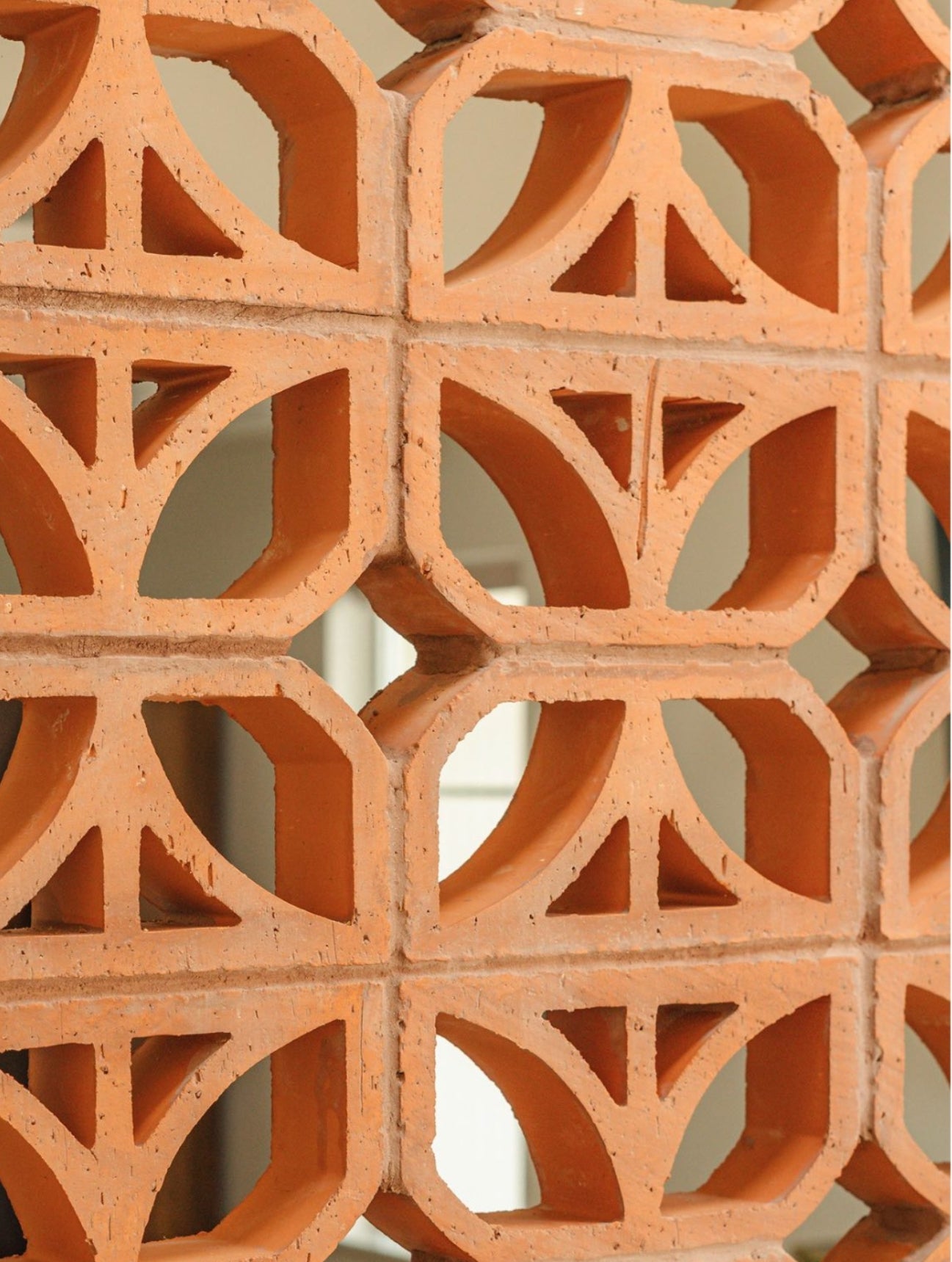
Designing with breeze blocks just got a whole lot easier. Whether you're an architect planning your next project, a designer visualizing a space, or a customer who simply loves experimenting with 3D modeling, our new downloadable 3D Design Files are here to bring your ideas to life.
You can now access 3D files directly on each Breeze Block product page, under the “Design Files” dropdown tab, located to the right of the product image (on desktop view). These files are ready to download and compatible with a variety of 3D modeling softwares and 3D printers.
- Where to Find the Files
- File Types & How to Use Them
- Watch It in Action
- Start Downloading, Start Designing
Where to Find the Files
On any breeze block product page:
- Look to the right of the product image (on desktop)
- Click on the “Design Files” dropdown tab
- Select and download the file type that suits your needs: 3D Printable (.STL), CAD (.DWG), or SketchUp (.SKP)

File Types & How to Use Them
3D Printable File (.STL)
For: Architects, designers, hobbyists, and customers
Use in: Any 3D printer or local 3D printing shop
Purpose: Print a to-scale model of the breeze block
Why it’s useful:
- Helps you visualize scale, design, and detail quickly
- Great for mockups, mood boards, or client presentations
-
Saves on shipping costs and turnaround time by printing locally
Note: While 3D printing helps reduce shipping impact, it does involve plastic use and potential microplastics. Please consider sustainable printing materials where possible.
 CAD File (.DWG)
For: Architects and professional designers
Use in: CAD-supported modeling programs like Rhino or Revit.
Purpose: Instantly drop real, to-scale breeze block files into your digital project
Why it’s useful:
- Provides a realistic digital representation of breeze blocks.
- Saves time and improves project accuracy.
- Allows detailed visualization and planning with real product dimensions.

SketchUp File (.SKP)
For: Designers and architects using SketchUp
Use in: SketchUp software (different from CAD-based tools)
Purpose: Drag and drop our breeze block models into your SketchUp project.
Why it’s useful:
- Visualize breeze blocks in 3D spaces.
Perfect for early-stage design concepts.
Helps clients and teams understand scale and texture in the space.
Watch It in Action
Start Downloading, Start Designing
Whether you're prototyping a new space, creating client mockups, or just want to explore the beauty of breeze blocks in 3D, we’ve made the process fast and accessible.
Head to any breeze block product page and try it out now.